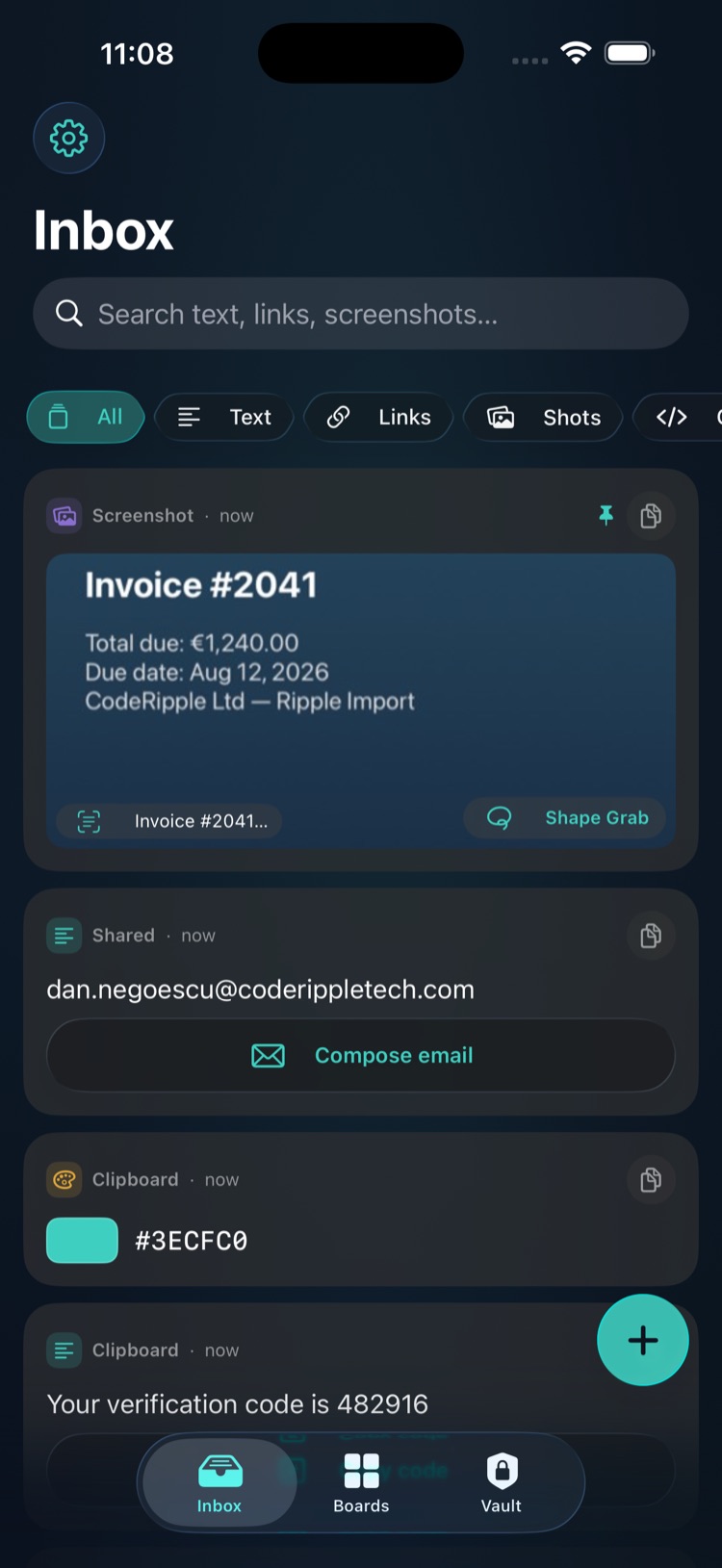
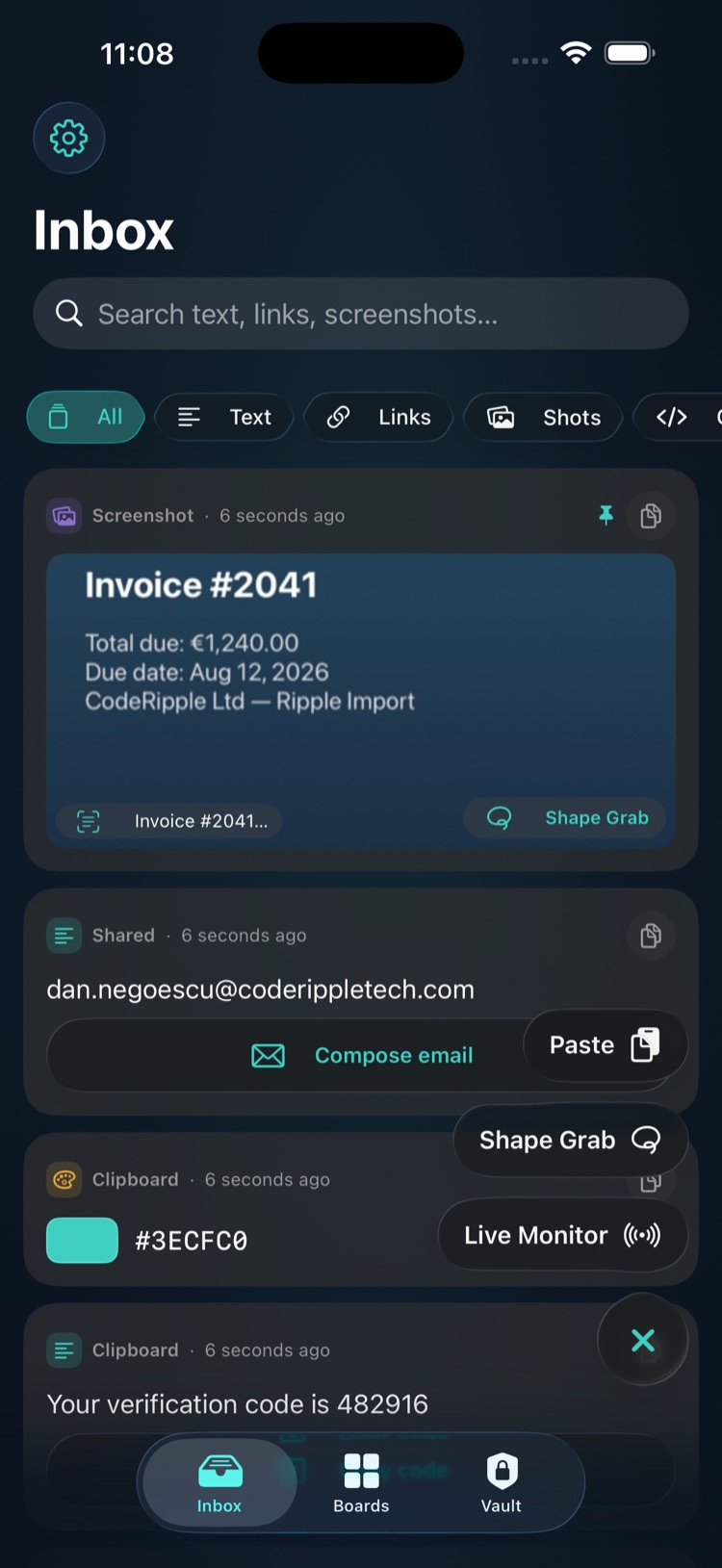
Capture in one gesture. Find it in one search.
iOS won't let any app watch your clipboard in the background — so RippleClip nails every legal capture path instead, and makes what it captures smarter.
Capture from anywhere
Action Button, Back Tap, Control Center, Lock Screen, share sheet. One gesture from any app and it's saved.
Screenshots, already sorted
Take a screenshot anywhere. The moment you open RippleClip it's in your inbox, text recognized and searchable.
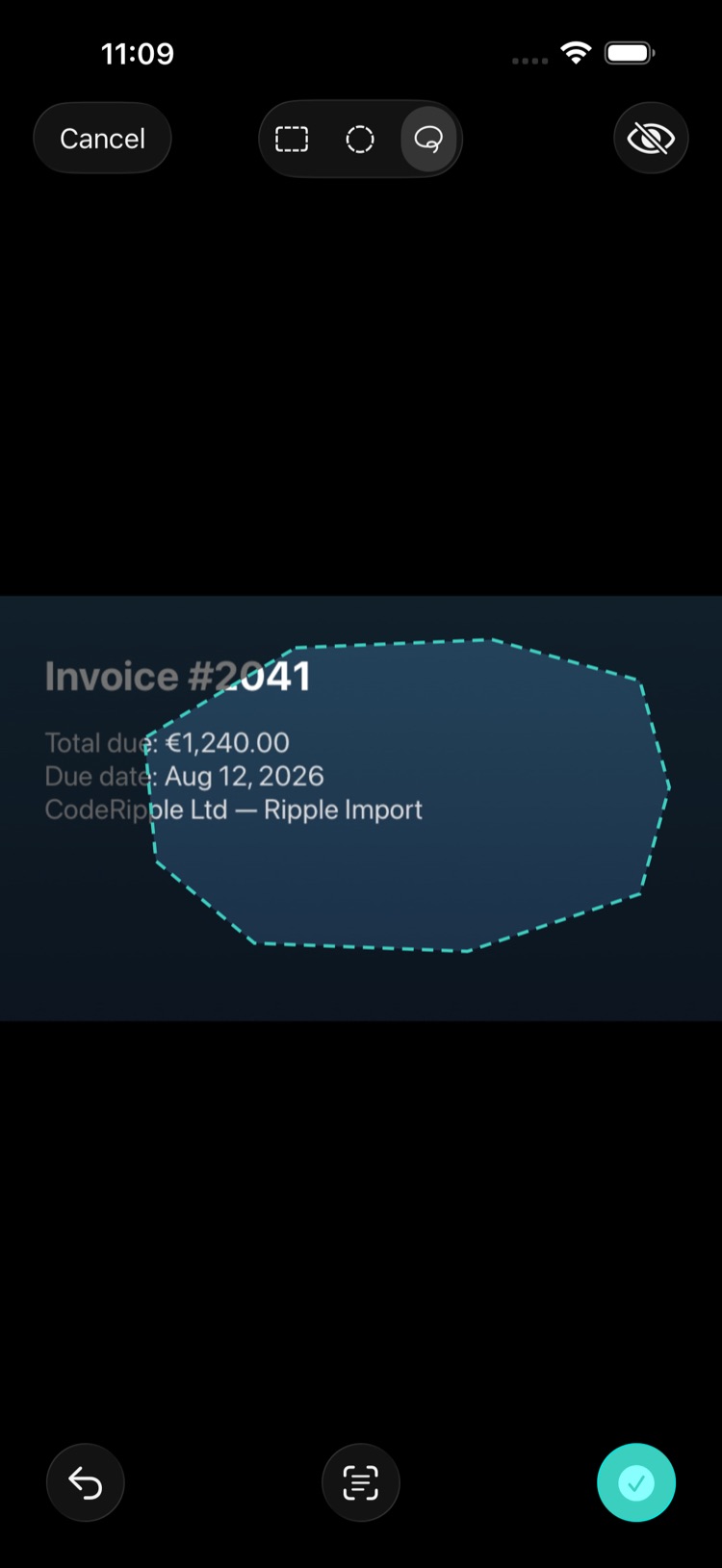
Shape Grab
Carve exactly what you want out of any screenshot: rectangle, circle, or freeform lasso. Redact the rest, copy the text.
On-device intelligence
OTP codes surface a copy button, addresses open Maps, tables become text. Apple Intelligence names and summarizes long clips — all on your iPhone.
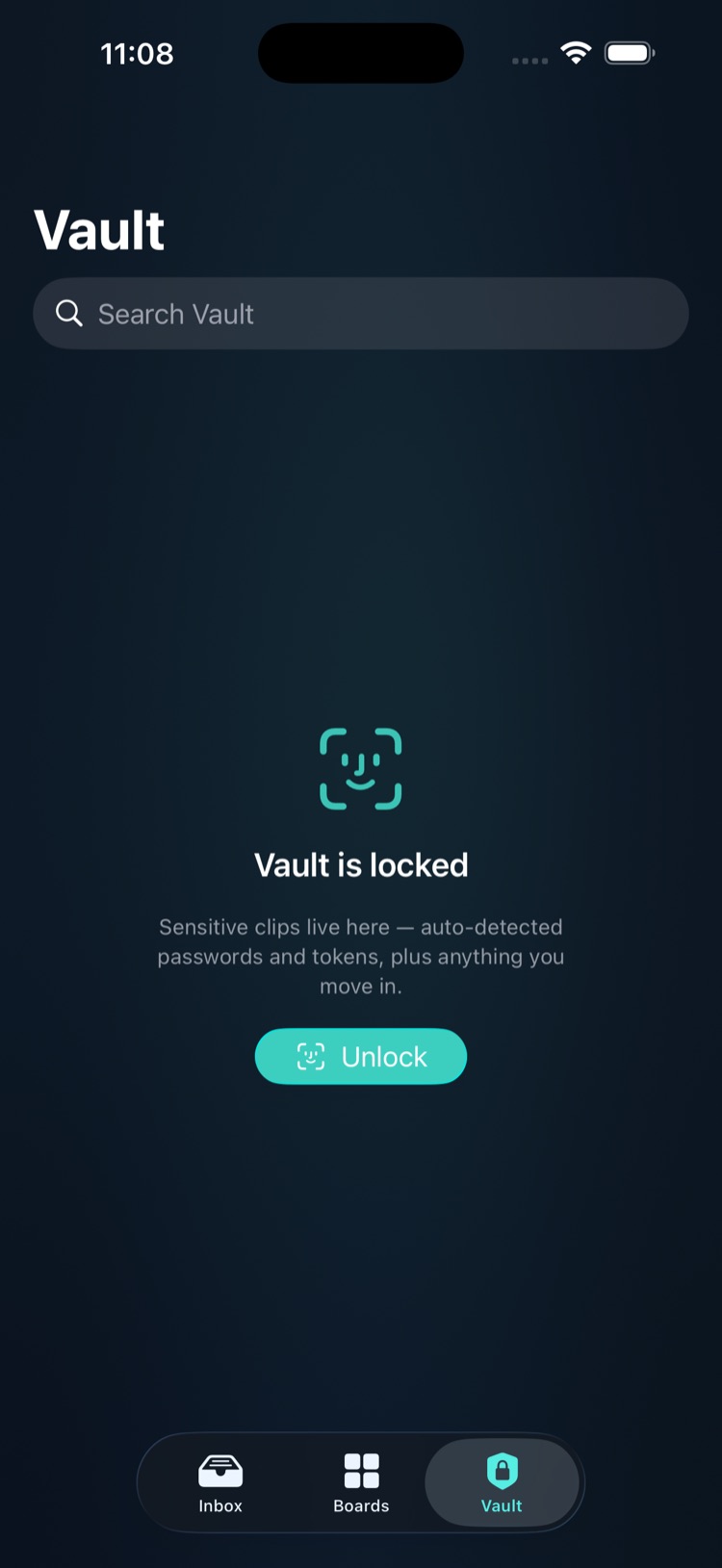
Face ID vault
Sensitive-looking clips route to a locked vault automatically. Password-manager copies are never stored at all.
Search that actually finds it
One search box covers text, links, code, and the words inside your screenshots. "That address from last week" is two taps away.
A keyboard for your history
Drop any saved clip straight into whatever you're typing, in any app. No copying back and forth.
Private by architecture, not by promise
Clipboard managers have a snooping reputation. RippleClip's answer is structural: there is no server to leak to.
- Everything stays on your iPhone — no accounts, no analytics, no third-party SDKs
- Link previews are off by default, and sign-in or reset links are never fetched
- Concealed copies from password managers are refused, not stored
- Auto-expiry rules and a Face ID vault for anything sensitive
Free forever. Pro once.
The full capture stack, Shape Grab, OCR search, and the vault are free — for good. RipplePro removes the ceilings.
- Free: latest 50 clips, one board, every capture path
- RipplePro $14.99 one-time: unlimited history and boards, Live Monitor
- Family Sharing included. Never a subscription — that's a promise.
Honest limits: iOS doesn't allow true background clipboard watching for any app — RippleClip is designed around every capture path Apple does allow, and is upfront about the difference.
Stop losing what you copy.
RippleClip is in final testing ahead of its App Store release. Want the launch note?
Get notified